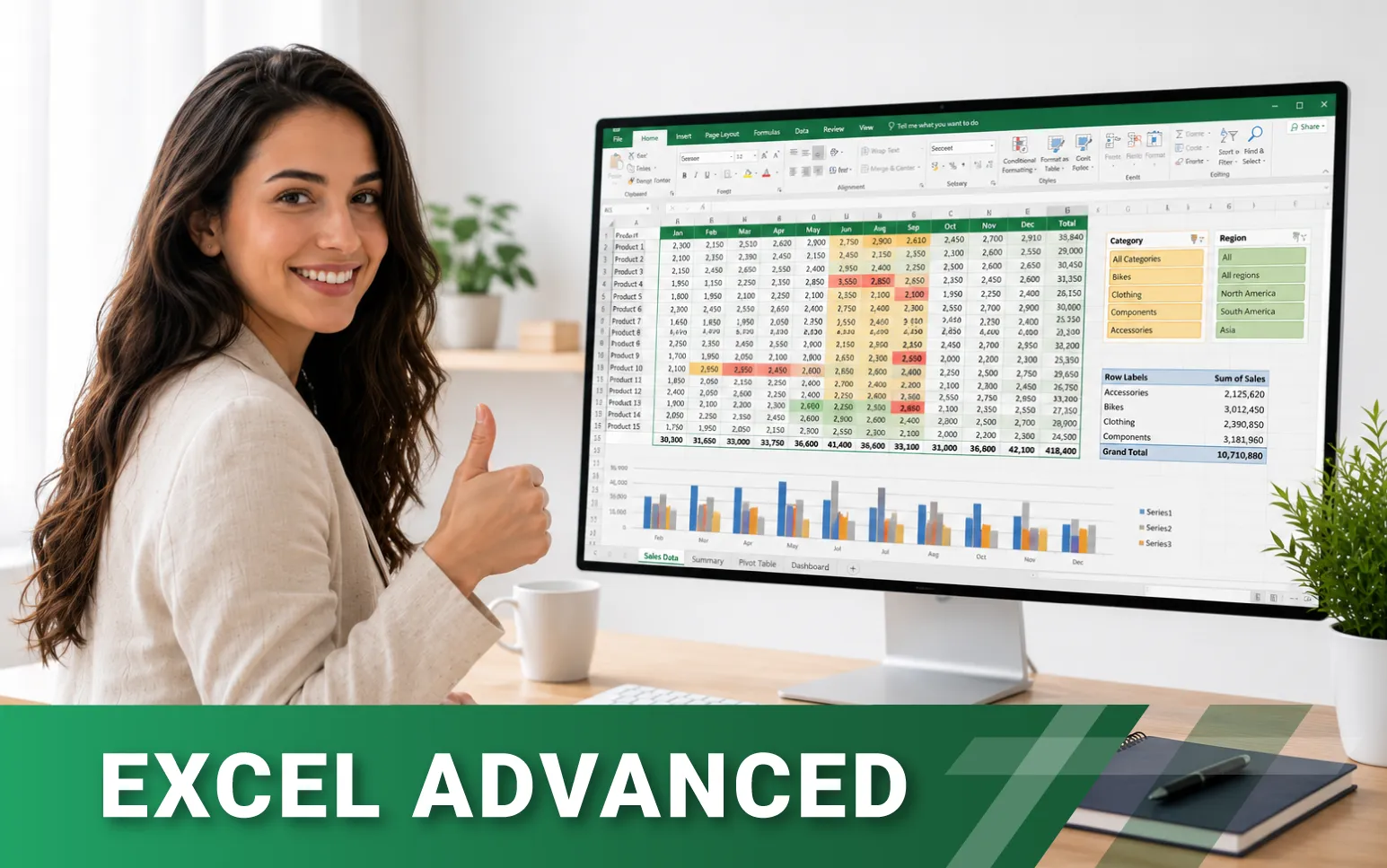
Excel Advanced e-learning
Would you like to become a true Excel pro? Our e-learning material includes all the functions that can make your work easier. To help you learn efficiently, our instructors demonstrate how to use formulas, and many other super useful Excel tricks, through easy-to-follow videos.
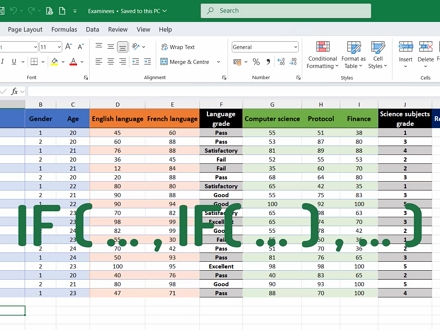
1. Using Nested Functions in Formulas
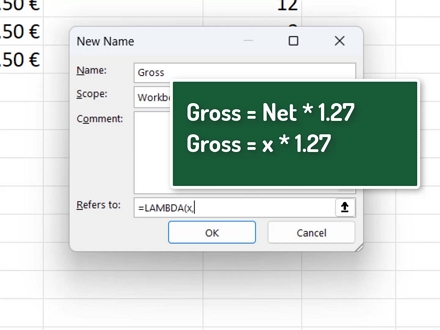
2. Logical Functions
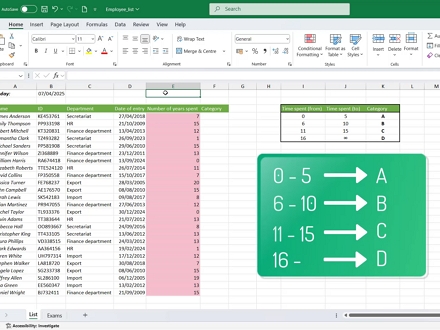
3. Using VLOOKUP for Range Lookups, Search by Multiple Criteria
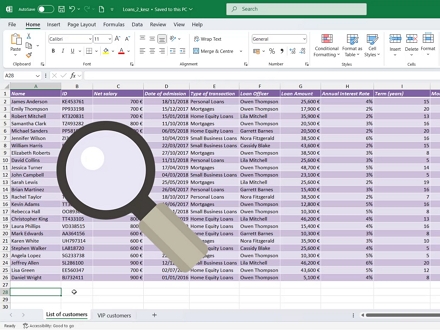
4. Look Up Values with INDEX and MATCH functions
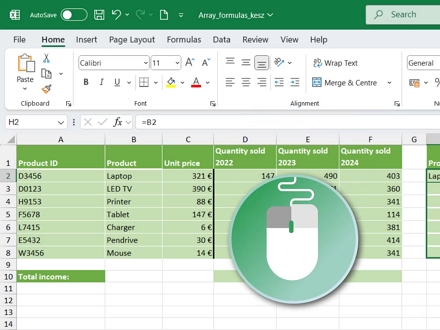
5. Using Array Formulas
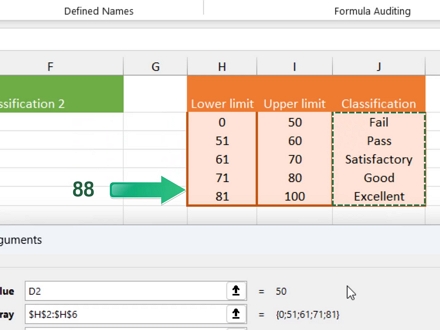
6. Searching with the XLOOKUP function
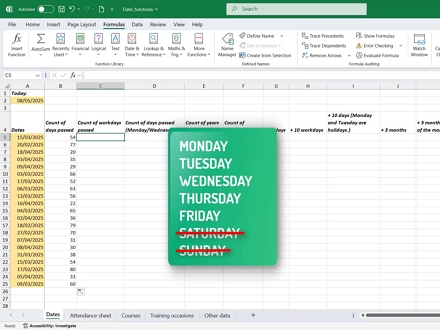
7. Date Functions
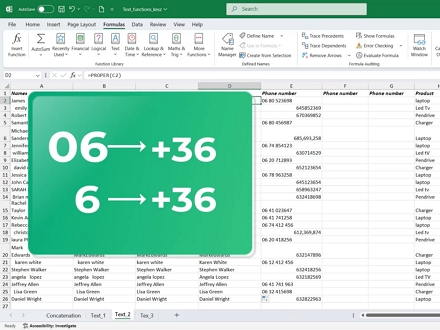
8. Combining Texts
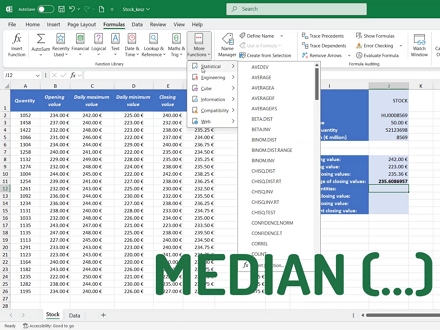
9. Statistical Functions
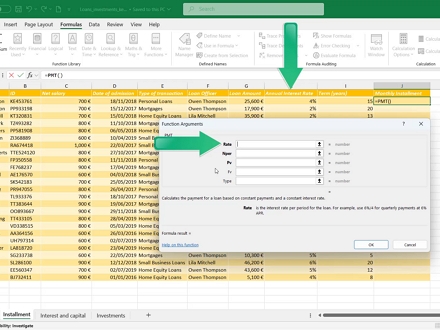
10. Financial Functions
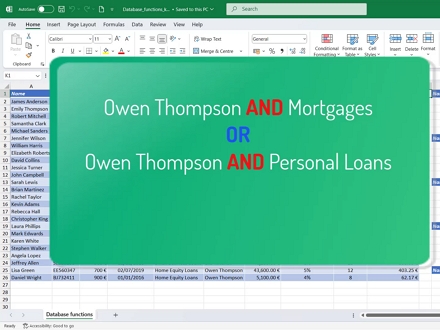
11. Database Functions
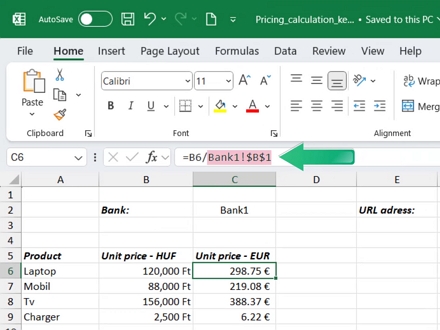
12. Other Special Formulas and Functions
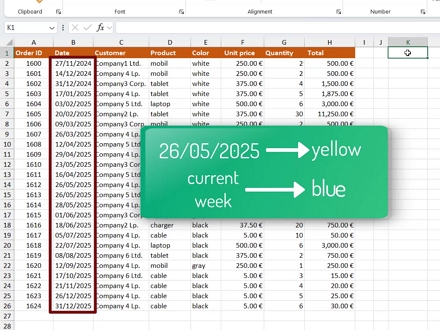
13. Using Conditional Formatting
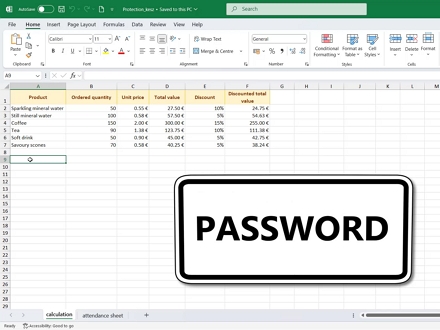
14. Protection
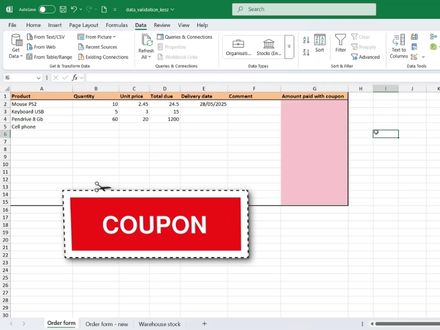
15. Data Validation I.
In the next step, let's see what other settings we have regarding data validation. Let's continue our calculations on the order form sheet we've been using!
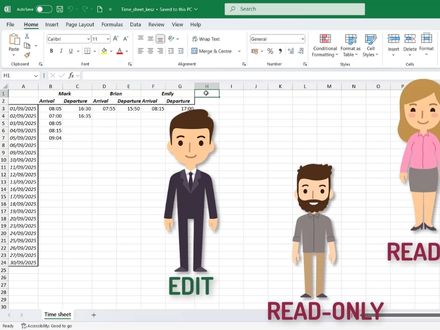
16. Sharing Workbooks
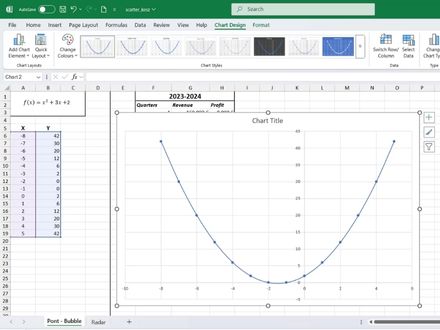
17. Charts
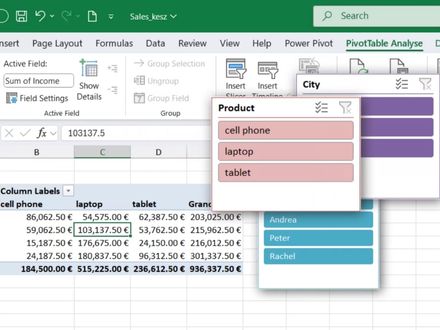
18. PivotTable (Advanced Options), Consolidate feature
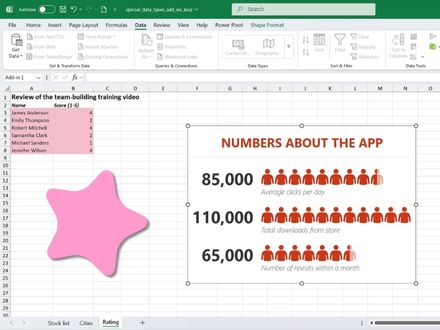
19. Other Useful Features
| 19 témakör | |
| 239 lap | |
| 19 önellenőrző teszt | |
| 211 kép | |
| 60 oktatóvideó | |
| Letölthető gyakorló feladatok | |
| A teljesítés feltétele az összes lap megtekintése | |
| A tananyag teljesítését tanúsító Igazolás a rendszerből tölthető le |
Excel advanced e-learning
The e-learning material introduces more complex and specialised features of Excel. It provides an in-depth understanding of nested functions and the use of logical, lookup, date, text, statistical, financial and database functions. It also covers array formulas and array functions, as well as the use of INDEX, MATCH and XLOOKUP. The course also introduces advanced features such as data validation, workbook protection and sharing, conditional formatting, and advanced settings for charts and PivotTables. In addition, it covers further useful Excel features and add-ins.
Price: HUF 35,000. By clicking the DEMO button, you can view one of the lessons of the course material without registration.
Access duration: 365 days
Flexible learning: The e-learning course can be completed independently, according to your own schedule and at your own pace. The course material can be accessed anytime and from anywhere during the access period, allowing learning to be flexibly incorporated into your daily schedule. Completing the entire course is expected to take approximately 20 hours.