Start your Power BI journey with our e-learning course and learn at your own pace! Our instructors guide you through the most important concepts with video lessons. With Power BI, you can create reports from large, complex datasets and illustrate data changes and trends using visual elements.
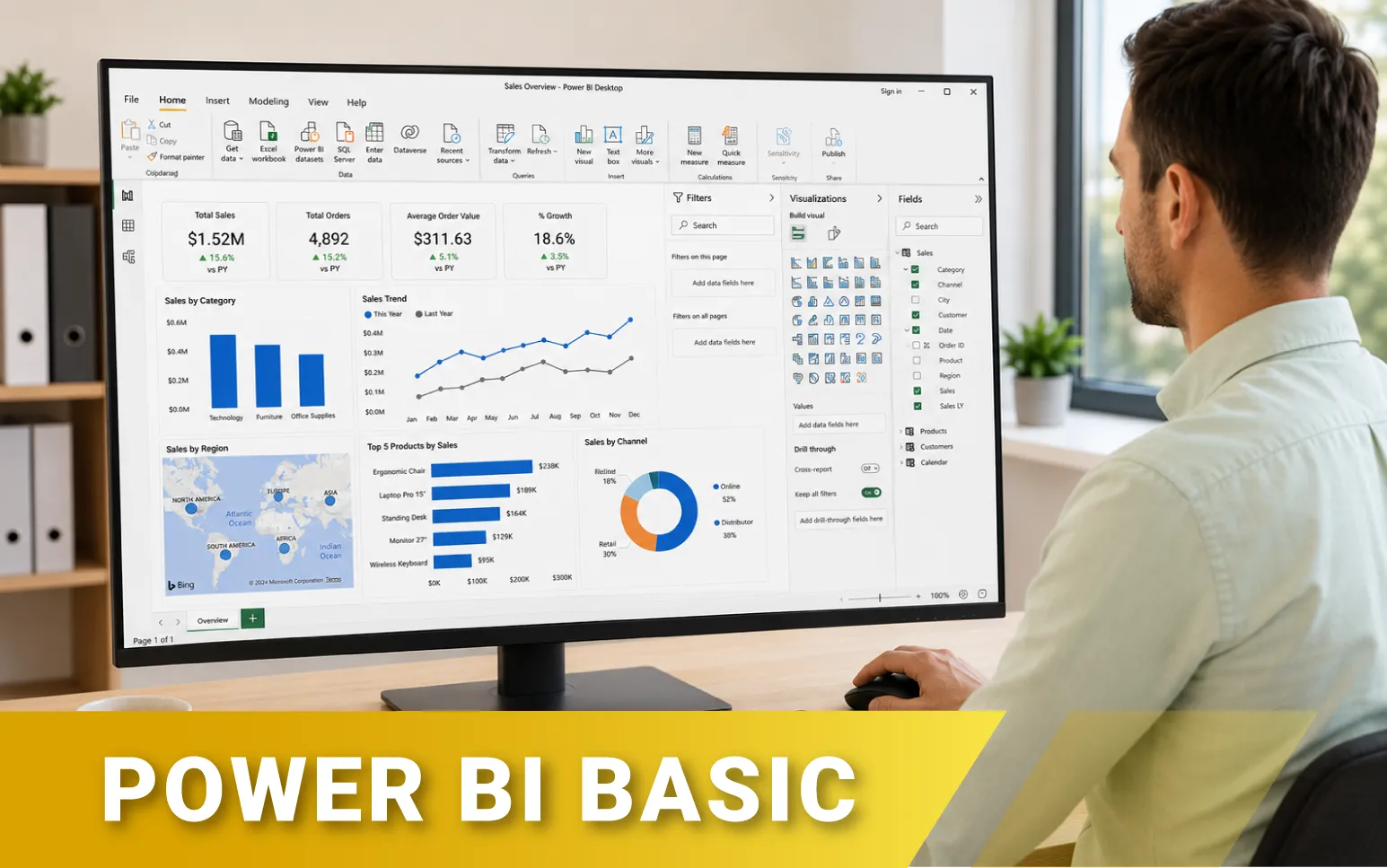
Power BI Basic e-learning
1. Interface, settings
5 1 4 1 1
Lecke multimédia tartalma (1)
What is power bi, interface, settings
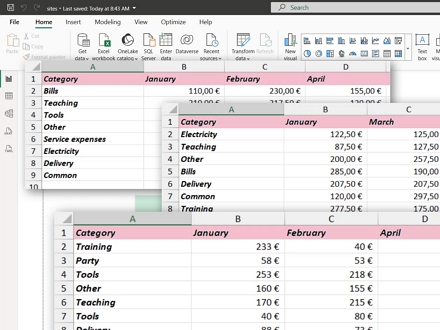
2. Connecting to data
9 2 8 1 2
Lecke multimédia tartalma (2)
Connecting to data
Importing data from a folder
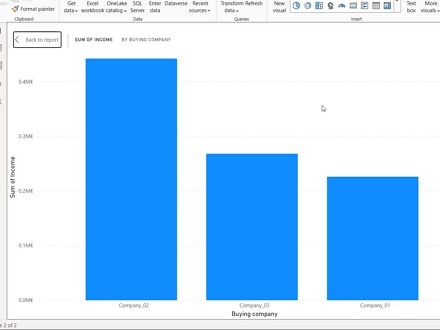
3. Creating visualizations
9 2 8 1
Lecke multimédia tartalma (2)
Table and Matrix visualization
Column, Bar, Map and Card visualization
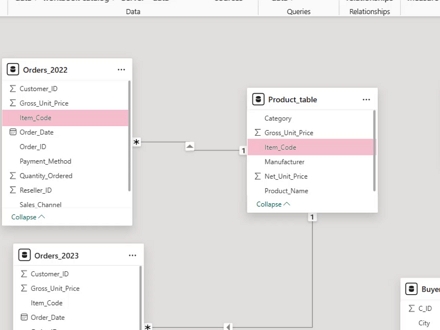
4. Data model, creating relationships and understanding their importance
14 3 14 1 2
Lecke multimédia tartalma (3)
Handling data from multiple tables
Creating visualizations from the data model
Using a date table
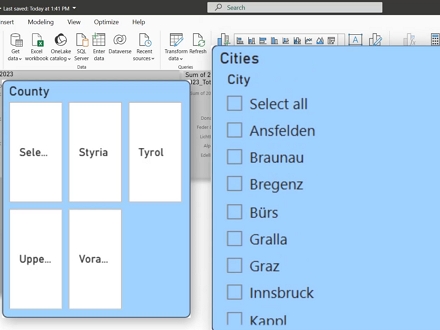
5. Filtering visualizations
12 3 12 1
Lecke multimédia tartalma (3)
Filtering visualizations
Filtering with slicers
Interactions between visualizations
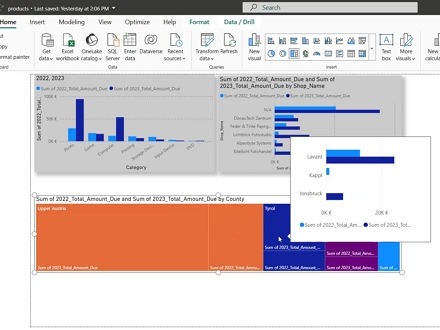
6. Tooltips
3 1 3 1
Lecke multimédia tartalma (1)
Creating custom tooltips
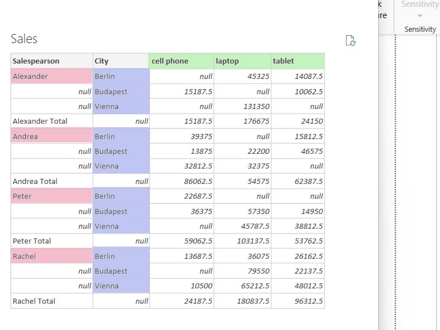
7. Data cleaning with Power Query
11 2 10 1 3
Lecke multimédia tartalma (2)
Data cleaning with Power Query I.
Data cleaning with Power Query II.
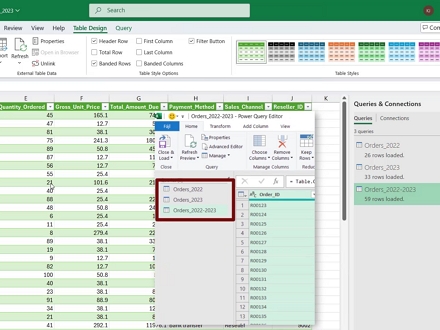
8. Power Query in Excel
8 2 6 1 1
Lecke multimédia tartalma (2)
Power Query in Excel I.
Power Query in Excel II.
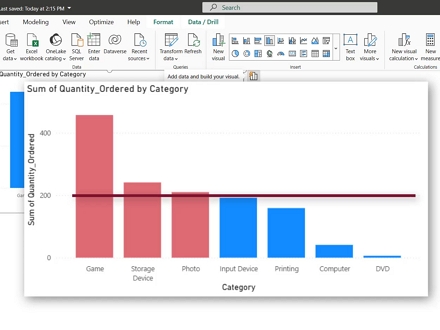
9. Conditional formatting in Power BI
6 2 5 1
Lecke multimédia tartalma (2)
Conditional formatting in Power BI
Conditional formatting in Power BI II.
10. The Power BI service, uploading and sharing reports
12 3 10 1
Lecke multimédia tartalma (3)
The Power Bi Service, Uploading And Sharing Reports
Using dashboards
Setting up roles
| 10 témakör | |
| 89 lap | |
| 10 önellenőrző teszt | |
| 54 kép | |
| 21 oktatóvideó | |
| Letölthető gyakorló feladatok | |
| A teljesítés feltétele az összes lap megtekintése | |
| A tananyag teljesítését tanúsító Igazolás a rendszerből tölthető le |
Power BI basics e-learning
The e-learning material presents the use and core functions of Power BI. The key knowledge for each topic is covered primarily through video lessons, and the files used in the videos are available for download.
Prize: 55,000 HUF. By clicking the DEMO button, you can preview one of the lessons without registration.
Access period: 365 days
Flexible learning: The e-learning course can be completed independently, according to your own schedule and at your own pace. The course material can be accessed anytime and from anywhere during the access period, allowing learning to be flexibly incorporated into your daily schedule. Completing the entire course is to take approximately 12 hours.