Excel Basic e-learning

Excel Basic e-learning

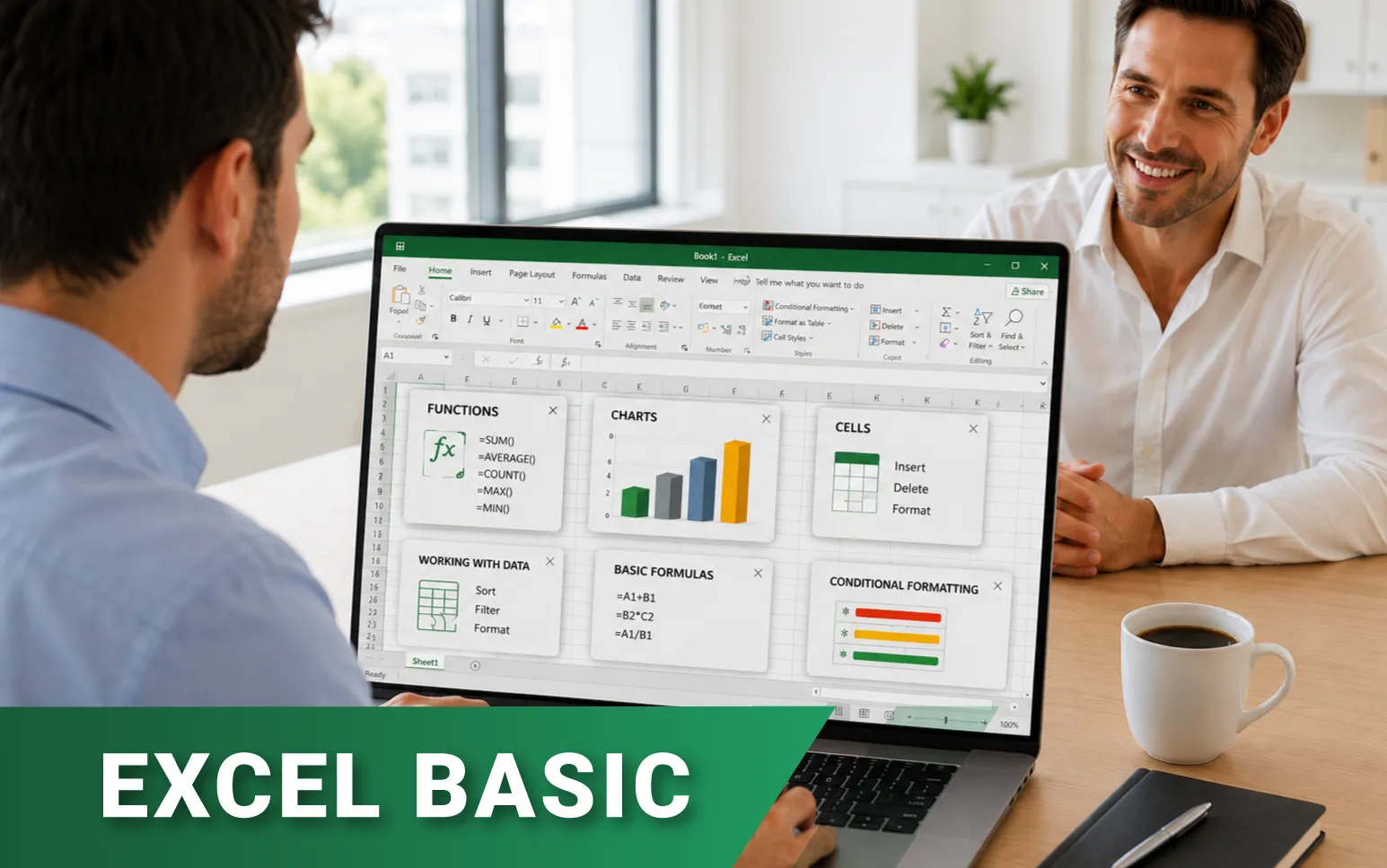
Dive into Excel with our e-learning material! Our instructors will guide you through the most important knowledge and formulas of spreadsheet management in video format. With our practice exercises, you can test your knowledge risk-free. This material is free, and access requires only a registration. 

19 témakör
110 lap
19 önellenőrző teszt
68 kép
24 oktatóvideó
Letölthető gyakorló feladatok
A teljesítés feltétele az összes lap megtekintése
Introduction, Getting to Know Excel

1. Introduction, Getting to Know Excel

Excel is part of the Microsoft Office suite, recently becoming one of the most popular spreadsheet software.
6 1 6 1 2
Lecke multimédia tartalma (1)
Getting to Know Excel
Creating Tables

2. Creating Tables

When working with Excel, we operate within workbooks, which contain several independent spreadsheets or worksheets where we input our data.
6 1 5 1
Lecke multimédia tartalma (1)
Creating Tables
Operations with Data

3. Operations with Data

When working with tables, we often need to copy, move data, or modify the table structure.
5 1 4 1
Lecke multimédia tartalma (1)
Operations with Data
Formatting Tables

4. Formatting Tables

The readability of our tables is one of the most important aspects in Excel. Therefore, we use various formatting options provided by the program.
6 1 6 1 1
Lecke multimédia tartalma (1)
Formatting Tables
Number Formats

5. Number Formats

In Excel tables, we often enter text and numerical values. It's not advisable to enter units of measure after numbers; instead, we use formatting to handle this. Let's see how!
4 1 5 1
Lecke multimédia tartalma (1)
Number Formats
Creating Series

6. Creating Series

An indispensable tool for efficient work in Excel is the knowledge of creating series. Let's explore what series are, how to create them, and when they can be used.
5 1 5 1 1
Lecke multimédia tartalma (1)
Creating Series
Simple Sorting

7. Simple Sorting

In Excel, there's often a need to sort tables based on various criteria. Sorting can be accomplished in multiple ways and according to different principles.
5 1 5 1 1
Lecke multimédia tartalma (1)
Simple Sorting
Simple Filtering

8. Simple Filtering

Filtering is perhaps one of Excel's most frequently used features, allowing us to easily select the important information from tables. Let's see what methods we can use with this function!
7 1 7 1 2
Lecke multimédia tartalma (1)
Simple Filtering
Creating Formulas In Excel

9. Creating Formulas In Excel

Excel can solve a wide variety of problems related to spreadsheets, such as performing different calculations.
5 1 4 1 1
Lecke multimédia tartalma (1)
Creating Formulas In Excel
Reference Types

10. Reference Types

Let's delve a bit deeper into the world of formulas, getting to know the use and significance of the dollar sign.
6 1 6 1 1
Lecke multimédia tartalma (1)
Reference Types
The Basic Functions

11. The Basic Functions

For certain computational problems, creating a custom formula may not be the most effective approach. Let's get acquainted with the basic functions, specifically SUM, AVERAGE, MAX, and MIN functions, and see how they can assist us in solving tasks.
4 1 4 1 1
Lecke multimédia tartalma (1)
The Basic Functions
Inserting Functions

12. Inserting Functions

Now that we're somewhat familiar with creating formulas and know a few basic functions, let's see how we can access additional functions in Excel.
5 1 6 1 1
Lecke multimédia tartalma (1)
Inserting Functions
The COUNT, COUNTA and COUNTBLANK Functions

13. The COUNT, COUNTA and COUNTBLANK Functions

Let's get acquainted with the COUNT, COUNTA, and COUNTBLANK functions, which are used to return certain count values related to the spreadsheet.
5 1 5 1 1
Lecke multimédia tartalma (1)
The COUNT, COUNTA, and COUNTBLANK Functions
The COUNTIFS function

14. The COUNTIFS function

Having already explored several functions for returning counts, let's delve into the COUNTIFS function, which allows us to tally cells that meet certain criteria.
5 1 5 1 1
Lecke multimédia tartalma (1)
The COUNTIFS function
The IF function

15. The IF function

The IF function is among the most useful in Excel's arsenal. It's perfect for examining a column in our spreadsheet based on a specific condition.
4 1 4 1 1
Lecke multimédia tartalma (1)
The IF function
Referencing Another Worksheet Or Workbook

16. Referencing Another Worksheet Or Workbook

When creating formulas, you might need cells from another worksheet or a different workbook. Let's see what to do in these situations!
5 1 5 1 3
Lecke multimédia tartalma (1)
Referencing Another Worksheet Or Workbook
Flash Fill and Replace

17. Flash Fill and Replace

When we need to transform data in a spreadsheet, such as splitting, concatenating, or replacing certain parts, Flash Fill comes to mind. The Replace function in Excel is as useful as it is in other applications for swapping certain parts of a dataset with something else.
8 2 7 1 2
Lecke multimédia tartalma (2)
Flash Fill
Using the Replace Function
Charts

18. Charts

Data in tables can be made much more illustrative with the help of diagrams.
10 3 11 1 3
Lecke multimédia tartalma (3)
Chart types
Inserting Charts
Formatting Charts
Printing Tables, Printing Options

19. Printing Tables, Printing Options

There might be times when you need to print your spreadsheets. It's essential to be familiar with the related settings.
9 3 8 1 3
Lecke multimédia tartalma (3)
Printing Options
Creating header and footer
Printing Tables

Excel Basic e-learning

The beginner e-learning material introduces the use of Excel and its basic functions. The knowledge of the various topics is primarily contained in the videos included in the lessons. The introduction provides information about what the specific video will cover and also allows for the download of the spreadsheet used in the video.

Price: Free, registration required. By clicking on the DEMO button, you can take a look at one of the lessons without registering.

Access duration: Unlimited

Flexible learning: The e-learning course can be completed independently, according to your own schedule and at your own pace. The course material can be accessed anytime and from anywhere during the access period, allowing learning to be flexibly incorporated into your daily schedule. Completing the entire course is to take approximately 12 hours.

Köszönjük értékelését!

Ha szeretne szöveges értékelést is megadni, kérjük írja le véleményét:

Tananyagok

rendezés:
Sajnos nincs találat.